To learn how to switch cell phone carriers, first verify that your device is unlocked and compatible with your new provider before signing up for a plan. You must provide your account information to the new carrier to port your number; do not cancel your old service until the transition is finalized to ensure your number stays active. Finally, activate your new SIM card or eSIM and pay off any remaining equipment balances with your previous provider.
Sticking with a mobile provider that no longer serves your needs often feels like a necessary evil, especially when you fear losing your long held phone number or getting hit with surprise termination fees. A high monthly bill or spotty coverage should not be the price you pay for digital stability. Successfully navigating a carrier change requires a strategic approach that prioritizes your existing data and financial health. In this guide, we will detail the essential steps for a seamless transition, including the critical golden rule of account management. You will learn how to gather your porting credentials, address remaining device balances, and utilize modern eSIM technology for a faster setup. We will also explain why visiting Instante Voice in person provides a level of security and efficiency that online DIY methods simply cannot match.
The Golden Rule of Switching: Do Not Cancel Your Current Service Yet
The single most common mistake when learning how to switch cell phone carriers is calling your current provider to cancel your service before your new line is active. While it seems logical to end one contract before starting another, this proactive step usually leads to the permanent loss of your phone number. When you cancel a mobile account, your number is immediately released back into the general carrier pool; once it is gone, it is nearly impossible to retrieve.
At Instante Voice, we advise customers to let the porting process handle the transition. Porting is the industry term for moving a phone number from one carrier to another. When our team helps you select from our flexible cellphone plans and activates your new service, the new carrier sends a digital request to your old provider. This request serves as the official notice. Your old service remains active until the very moment the transfer is complete, at which point the old account cancels automatically.
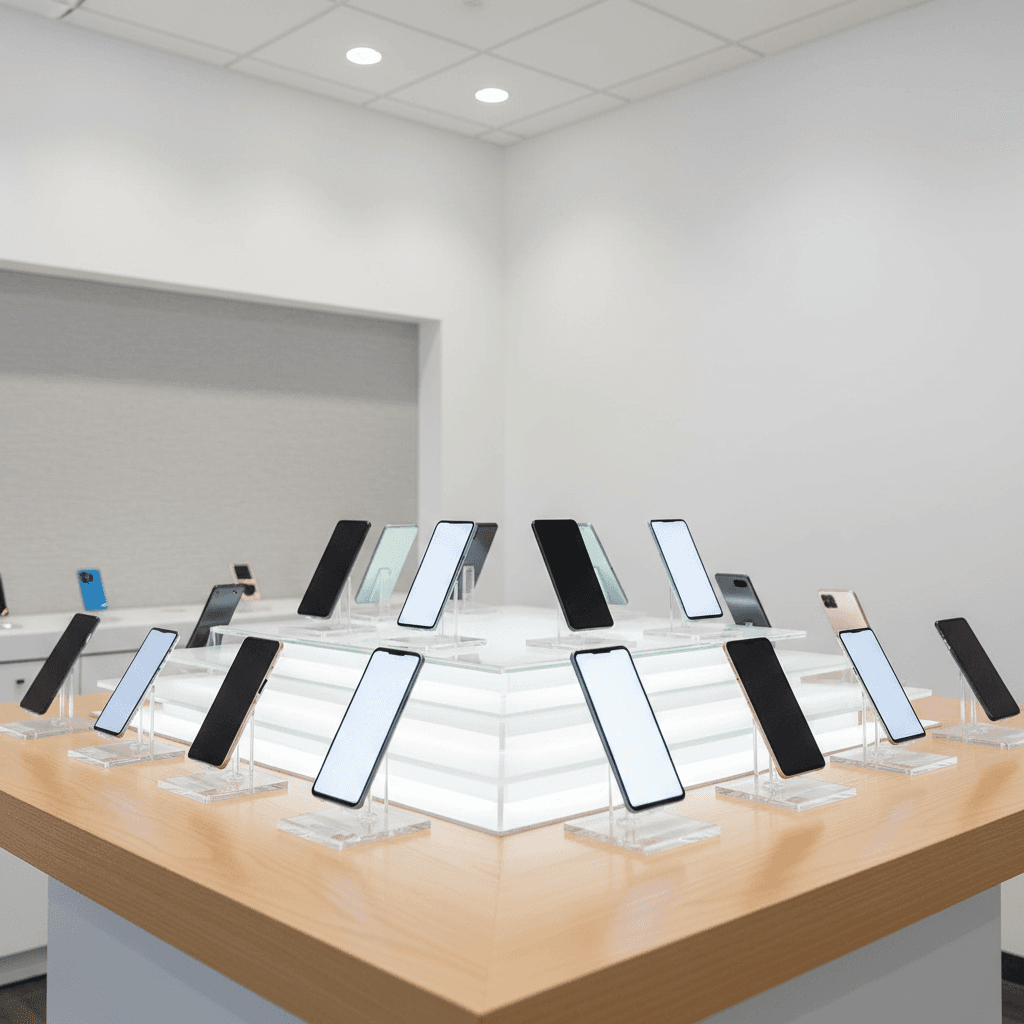
If you are browsing our selection of the latest smartphones and tablets and plan to switch soon, keep your current SIM card in your phone and your service active. This ensures a seamless handover and guarantees that your digital identity remains intact throughout the process. Maintaining an active status is the only way to ensure your number is available for transfer.
Gathering Your Porting Information Before You Visit the Store
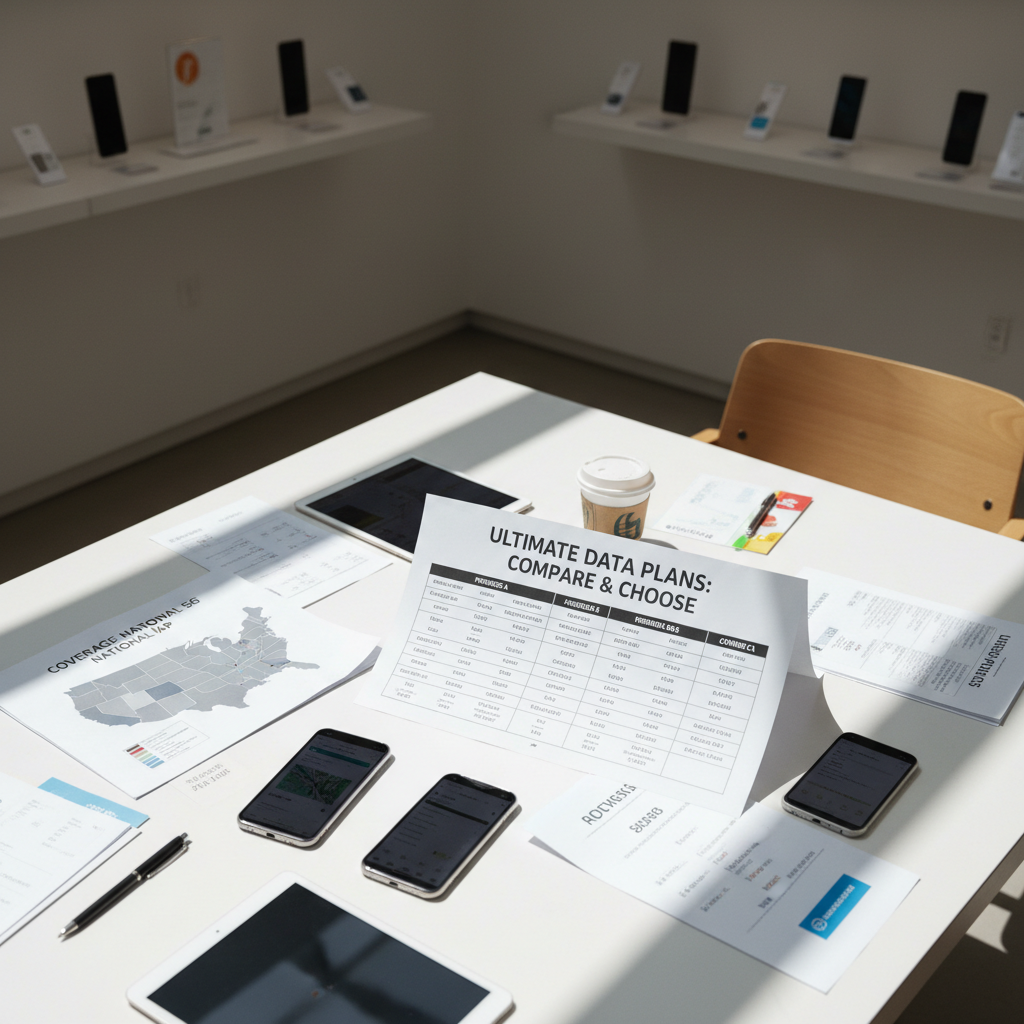
Successful number transfers require specific digital keys from your current provider. To ensure a smooth experience when you visit us to explore our flexible cellphone plans, you should arrive with three critical pieces of information. Missing any of these will stall the process, as the old carrier will automatically reject the request for security reasons.
First, locate your Account Number and Billing Zip Code. These are typically listed on the first page of your paper bill or at the top of your digital PDF statement. Second, you must generate a Transfer PIN. It is important to distinguish this from the standard 4-digit security PIN you use to verify your identity with customer service. A Transfer PIN is a temporary, one-time code specifically designed to authorize a move. Most carriers require this extra layer of security to prevent unauthorized number theft.
For major carriers, you can usually find these details within their mobile apps:
Verizon: Navigate to the My Verizon app, select "Account," then "Edit profile & settings." Look for the "Number Transfer PIN" section to generate your code.
AT&T: In the myAT&T app, go to "Profile," select "People & Permissions," and then tap "Transfer Phone Number" to get your PIN.
T-Mobile: Open the T-Mobile app, go to "Account," then "Profile Settings." Select "Line Settings" and look for "Request a transfer PIN."
If you have trouble navigating these menus, you can contact our Fillmore team for guidance before you head in. Knowing how to switch cell phone carriers efficiently starts with this data collection; having these items ready allows us to focus on finding the best device and coverage for your needs without technical delays.
Can You Switch Carriers if You Still Owe Money on Your Phone?
Financial obligations on a current device are the most frequent reason people hesitate to change providers. If you are still paying monthly installments on your current device, you can still move your service, but you must understand the immediate financial impact. The moment your number is ported to a new carrier, your old account is closed, and any remaining balance on your hardware becomes due in full on your final bill. The old carrier will not allow you to continue making monthly payments once you are no longer a service customer.
To mitigate these costs, many providers offer incentives designed to help you understand how to switch cell phone carriers without a massive out-of-pocket expense. These often take the form of trade-in credits for latest smartphones and tablets or buyout programs where the new carrier reimburses you for your early termination fees or remaining device balances via a prepaid card. At Instante Voice, we analyze these moving parts for you, comparing which flexible cellphone plans offer the highest trade-in values to offset what you owe.
Before you plan to reuse your current device, you must ensure it is unlocked. A phone locked to one carrier will not recognize a SIM card from another, even if the porting process is successful. Most carriers will only unlock a device once it is paid in full. To check your status on an iPhone, navigate to Settings, then General, then About, and look for Carrier Lock; it should say No SIM restrictions. On an Android, this is typically found under Network Unlock in the connection settings. If you are unsure if your device is eligible, you can contact our Fillmore team to verify your device's compatibility and lock status before you begin the transition.
How to Avoid Extra Fees and Hidden Costs During the Transition
Even after you address device balances, you will encounter immediate costs associated with setting up new service. Most providers charge an activation fee, which typically ranges from $30 to $35 per line. You might also see a charge for a physical SIM card if your device requires one. Understanding these line items is essential when learning how to switch cell phone carriers without unexpected budget spikes. When you look at our flexible cellphone plans, these one-time fees are the first things we help you identify to ensure there are no surprises on your first statement.
The most expensive oversight usually involves the final bill from your old provider. The mobile industry standard is to charge for the full billing cycle regardless of the day you cancel. If you switch on the second day of your billing month, you will likely still pay for the remaining 28 days of service you are no longer using. To maximize your value, we recommend initiating your transfer 3 to 5 days before your current billing cycle ends. This window provides enough time for the porting process to finalize, yet it prevents you from paying for two separate services simultaneously.
At Instante Voice, we provide a transparent breakdown of these upfront expenses across all major carriers. Instead of guessing how much your first bill will be, we help you calculate the total transition cost. If you are upgrading to one of the latest smartphones and tablets, we search for specific carrier promotions that waive activation fees or offer bill credits to offset these initial charges. You can contact our Fillmore team to review your current billing cycle date, which allows us to help you time your switch for the greatest possible savings.
Understanding eSIM vs Physical SIM for Faster Switching
Modern mobile technology has evolved beyond the tiny plastic chips we have used for decades. If you are learning how to switch cell phone carriers with a newer device, you will likely encounter the eSIM, or embedded SIM. This technology is a programmable chip built directly into the motherboard of your device. Unlike physical SIM cards that require a specialized tool and a steady hand to swap, an eSIM allows our team to download your new carrier’s credentials digitally over a wireless connection.
This shift offers two major advantages: speed and versatility. When you select from our flexible cellphone plans, an eSIM can make the transition almost instantaneous. Furthermore, many of the latest smartphones and tablets, including iPhones from the 13 series onward and recent Samsung Galaxy models, support multiple active lines simultaneously. This allows you to maintain a local Fillmore number for personal use while keeping a secondary line for business, all without carrying two separate phones.
While the digital nature of eSIM suggests a DIY process, provisioning these profiles can occasionally trigger software errors, EID mismatches, or activation delays. Transitioning your service in person ensures that the digital handshake between your hardware and the new network is verified by an expert. If you are unsure if your current hardware supports this technology, you can contact our Fillmore team to verify your device specifications and ensure a seamless activation.
Why Switching in Person at Instante Voice Beats the Online DIY Method

Choosing a plan involves more than just picking a price point. In Millard County, geographic nuances dictate performance. A carrier that works perfectly in downtown Fillmore might struggle near the Pavant Range or out toward Meadow. When you try to figure out how to switch cell phone carriers through a website, you miss this local insight. We provide a neutral environment where you can compare the actual coverage maps of all major providers simultaneously. We do not push a specific brand; our goal is finding the network that stays connected where you live and work.
The technical side of switching also carries risks. Online self-service portals frequently glitch during the number transfer phase, leaving customers with a stuck port and no working phone. Resolving this online often involves hours of frustrating automated chats. By visiting us in person, you gain an advocate. Our team uses dedicated dealer support lines to reach carrier technicians directly, bypassing the standard consumer queues to resolve activation errors on the spot.
If you are looking at latest smartphones and tablets and want to see how they perform on different flexible cellphone plans, seeing them side-by-side is invaluable. You can contact our Fillmore team to discuss local dead zones or signal strengths before you commit to a new contract, ensuring your transition is handled with professional oversight rather than an algorithm.
Common Questions About Transferring Your Mobile Life

Many customers worry about their digital history when learning how to switch cell phone carriers. One of the most frequent questions we hear is whether text messages and call logs will disappear. Your messages are stored on your device or within your operating system's cloud backup, not on the carrier's network. Changing your service provider has no impact on the data already sitting in your inbox.
Similarly, your photos and videos remain secure. Because your media is tied to your hardware or services like iCloud and Google Photos, moving between flexible cellphone plans will not result in a wiped gallery. If you are upgrading to one of the latest smartphones and tablets during the switch, we assist with a direct device-to-device transfer to ensure every photo moves with you.
Regarding the timeline, most number ports in our Fillmore shop are completed in under ten minutes. While the industry standard allows for up to 24 hours for a wireless-to-wireless transfer to fully propagate across all networks, you will rarely experience significant downtime. If a delay occurs, our team stays on the line with carrier technicians to resolve it. You can contact our Fillmore team if you have specific concerns about your data backup before you start the porting process.