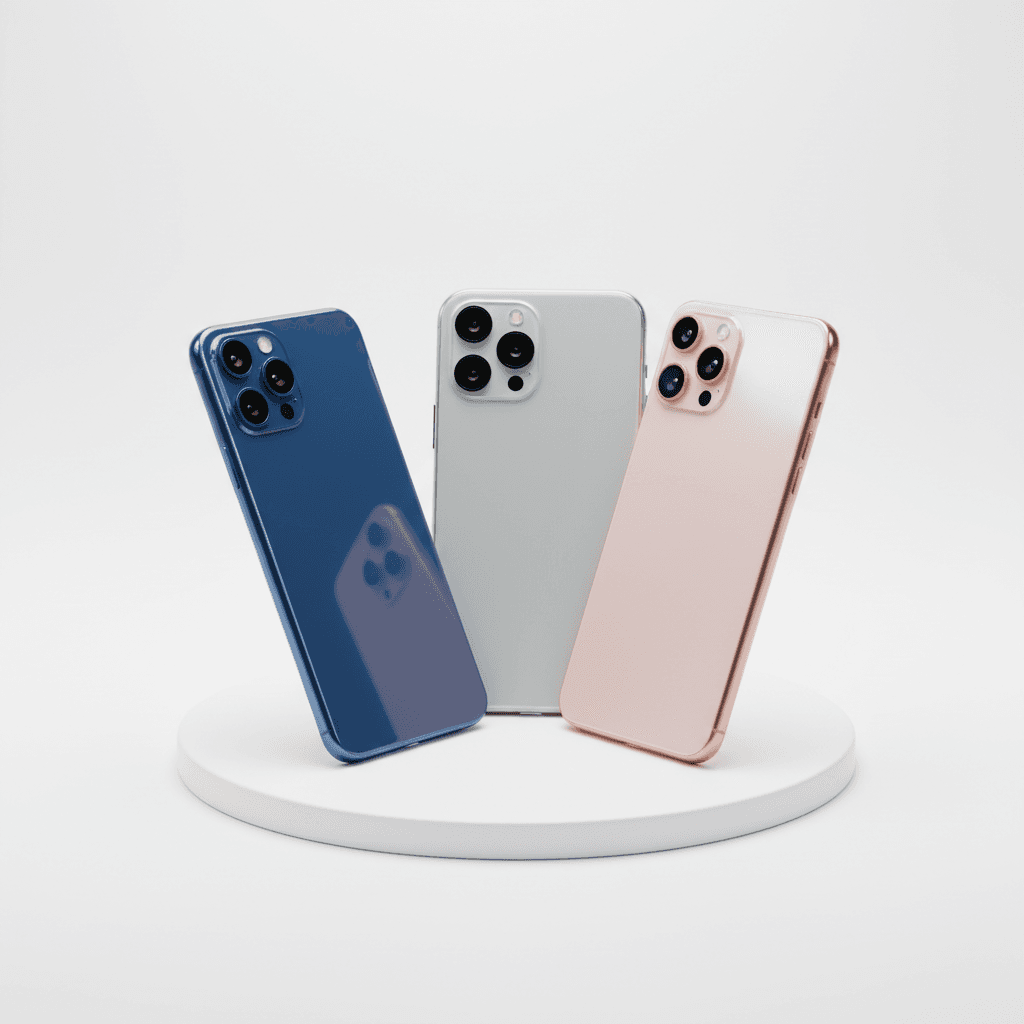
Select the right mobile device by first deciding between iOS and Android platforms based on your ecosystem preferences. Learning how to choose a smartphone effectively involves prioritizing specific hardware features like camera quality, battery life, and storage capacity while ensuring the price aligns with your budget. Finally, verify that the device offers long-term software support and is compatible with your preferred service provider.
The modern smartphone market has become a labyrinth of technical jargon and iterative updates that often obscure real value. Navigating hundreds of models while balancing performance needs against a strict budget frequently leads to decision fatigue or, worse, a costly purchase that fails to meet your daily requirements. Because your device serves as both a primary workstation and a personal hub, selecting the wrong ecosystem or insufficient hardware creates long term friction. This guide simplifies the selection process by stripping away the marketing noise. You will learn how to choose between iOS and Android, identify your specific user profile, and decode essential specifications like processor speed and battery longevity. We provide a clear roadmap to ensure your next upgrade delivers precise utility and lasting value.
Why Choosing a Smartphone in 2026 Feels So Overwhelming
Selecting a new device in 2026 presents a unique paradox. While hardware innovation in screens and processors has reached a reliable plateau, the industry has shifted its complexity toward integrated AI capabilities and restrictive carrier locking. This transition often leaves buyers wondering how to choose a smartphone that balances modern utility without paying for features they will never use. Many retailers simply push the most expensive flagship model, regardless of whether the customer actually needs those high-end specs.
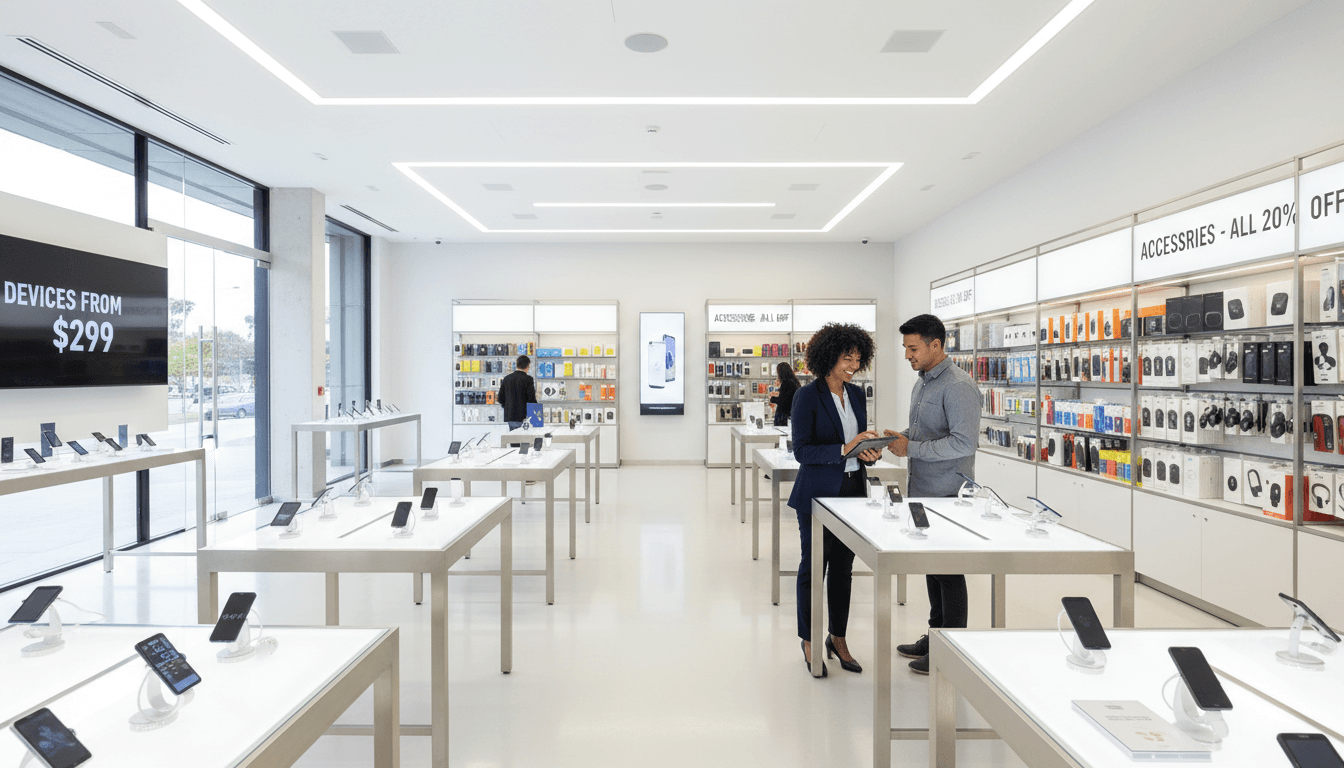
At Instante Voice, we take a different approach by offering the latest smartphones and tablets paired with flexible cellphone plans that reflect how residents actually live in Millard County. Our focus remains on matching hardware to your specific lifestyle, ensuring you do not get trapped in a contract with a device that does not serve you. By providing knowledgeable support in Fillmore, we strip away the marketing noise to focus on what keeps you connected reliably.
Step 1: The Great Debate: Apple iOS vs. Google Android
The most critical decision in your journey of how to choose a smartphone is selecting the operating system. This choice determines the apps you use, how your devices talk to each other, and how long the phone remains functional.
Apple’s iOS is built on a philosophy of simplicity and integration. This ecosystem, often called a walled garden, prioritizes a uniform experience across all devices. If you use an iPad or a Mac, an iPhone integrates perfectly via iCloud and iMessage. One major advantage for iOS users is long-term software support. Apple typically provides major operating system updates for five to seven years, ensuring the device remains secure and compatible with new apps long after the initial purchase.
Conversely, the Android ecosystem features brands like Samsung, Google Pixel, and Motorola. This platform focuses on hardware diversity and customization. You can find Android devices at nearly every price point, which is helpful when selecting flexible cellphone plans that must fit a specific monthly budget. Android allows you to change everything from the home screen layout to the default system font. While Samsung devices often lead in display technology, Google Pixels provide a streamlined, AI-focused experience.
For families here in Millard County, staying within one ecosystem is often a matter of daily practicality. Sharing high-resolution photos or managing shared calendars is significantly easier when every family member uses the same platform. When you visit us for knowledgeable support in Fillmore, we can show you how the latest smartphones and tablets from both sides handle these tasks. Consistency across your household often saves more time and frustration than any individual hardware specification.
Step 2: Identifying Your User Profile
After deciding on an operating system, the next logical step in learning how to choose a smartphone involves a candid look at your daily habits. Devices are no longer one size fits all. To find the right fit among the latest smartphones and tablets, you should identify which of these three profiles best describes your needs.
1. The Power User If you use your device for mobile gaming, high-resolution video editing, or heavy multitasking, you need a high-performance machine. Look for at least 12GB of RAM and the most current processor available. These specs ensure the phone handles intensive background tasks without stuttering. This user profile often benefits from the most robust flexible cellphone plans to support high data throughput for cloud-based work or large file transfers.
2. The Everyday User Most residents in Millard County fall into this category. You need a device that is reliable from morning until night. Prioritize a battery capacity near 5,000mAh and a camera system that produces sharp images for social media without requiring manual adjustments. You do not necessarily need the most expensive flagship model, but you do need a mid-tier processor that will not lag during a GPS navigation session or while switching between several apps.
3. The Senior User When customers ask us about the best phone for seniors, we focus on physical accessibility rather than raw power. This profile requires a screen with high peak brightness for outdoor visibility, hearing aid compatibility (HAC), and an interface that allows for simplified navigation. We provide knowledgeable support in Fillmore to help set up these features, ensuring the text size is legible and emergency contact shortcuts are placed front and center. Choosing a device with a long-term software support cycle is also vital here, so the interface remains consistent and secure for years.
Step 3: Decoding Specs: RAM, Storage, and Processors Explained
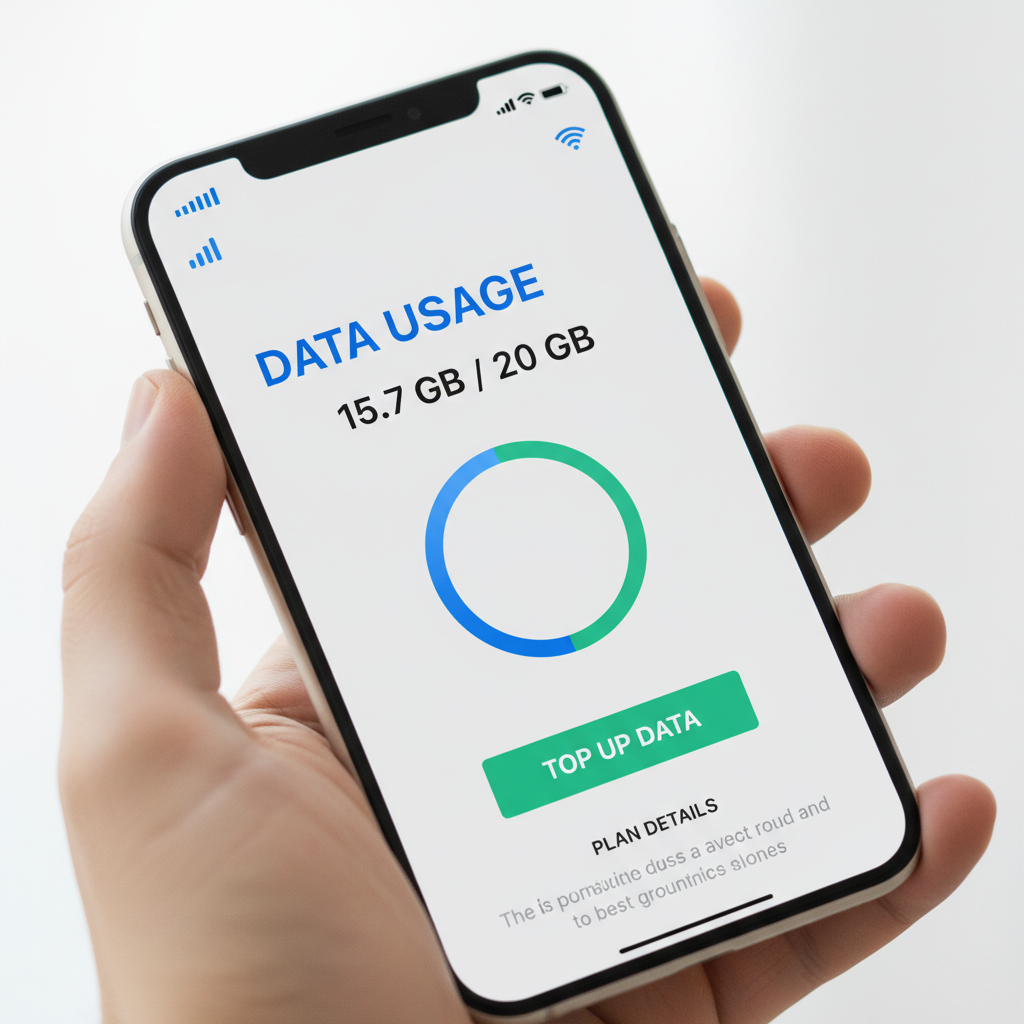
Moving from user profiles to internal hardware requires demystifying the technical jargon found on spec sheets. Understanding the hardware specifications of the latest smartphones and tablets is simpler when using a workplace analogy. Think of Random Access Memory (RAM) as your physical desk space; a larger desk lets you keep more apps open and active simultaneously without the system slowing down. Storage is your filing cabinet, where you keep photos, videos, and documents for the long term.
When determining how to choose a smartphone, 8GB of RAM is currently the standard for smooth multitasking. Opting for 12GB or more is a wise choice for future-proofing, ensuring the device remains fast as apps become more complex over the next few years. Regarding storage, 128GB is the modern minimum, but 256GB serves as the sweet spot for most people who take frequent photos or record video. This capacity prevents the storage full alerts that often plague users during important moments. Our team provides knowledgeable support in Fillmore to help you navigate these choices, ensuring your hardware aligns with flexible cellphone plans and your specific data needs. A well-matched processor and memory configuration ensure your device remains a reliable tool rather than a source of technical friction.
Step 4: Display and Battery Life: The Daily Experience
While internal specs provide the power, the display and battery define your actual experience with the device throughout the day. When deciding how to choose a smartphone, consider screen size as a matter of ergonomics. Compact 6.1 inch models fit easily in a pocket and allow for comfortable one handed operation. Larger 6.7 inch or 6.8 inch displays are better for reading maps or watching videos, though they usually require two hands for secure use. For residents who spend time at the Territorial Statehouse Park or hiking nearby trails, the display technology itself is vital. OLED screens offer significantly better outdoor visibility and higher contrast than standard LCDs, which often wash out in the bright Utah sun.
Battery endurance is equally critical, especially in rural Millard County. Driving through areas with intermittent coverage, like the stretches of road leading toward the mountains, forces your phone to work harder to maintain a signal. This constant searching for a tower drains power rapidly. We recommend looking for a battery capacity of 5,000mAh to ensure a true all day experience. At Instante Voice, we help you compare the latest smartphones and tablets to find a model that will not fail halfway through a trip. Our knowledgeable support in Fillmore ensures your hardware is resilient enough for your flexible cellphone plans and your daily commute, keeping you connected even when you are miles from the nearest charger.
Step 5: Making Sense of Modern Smartphone Cameras
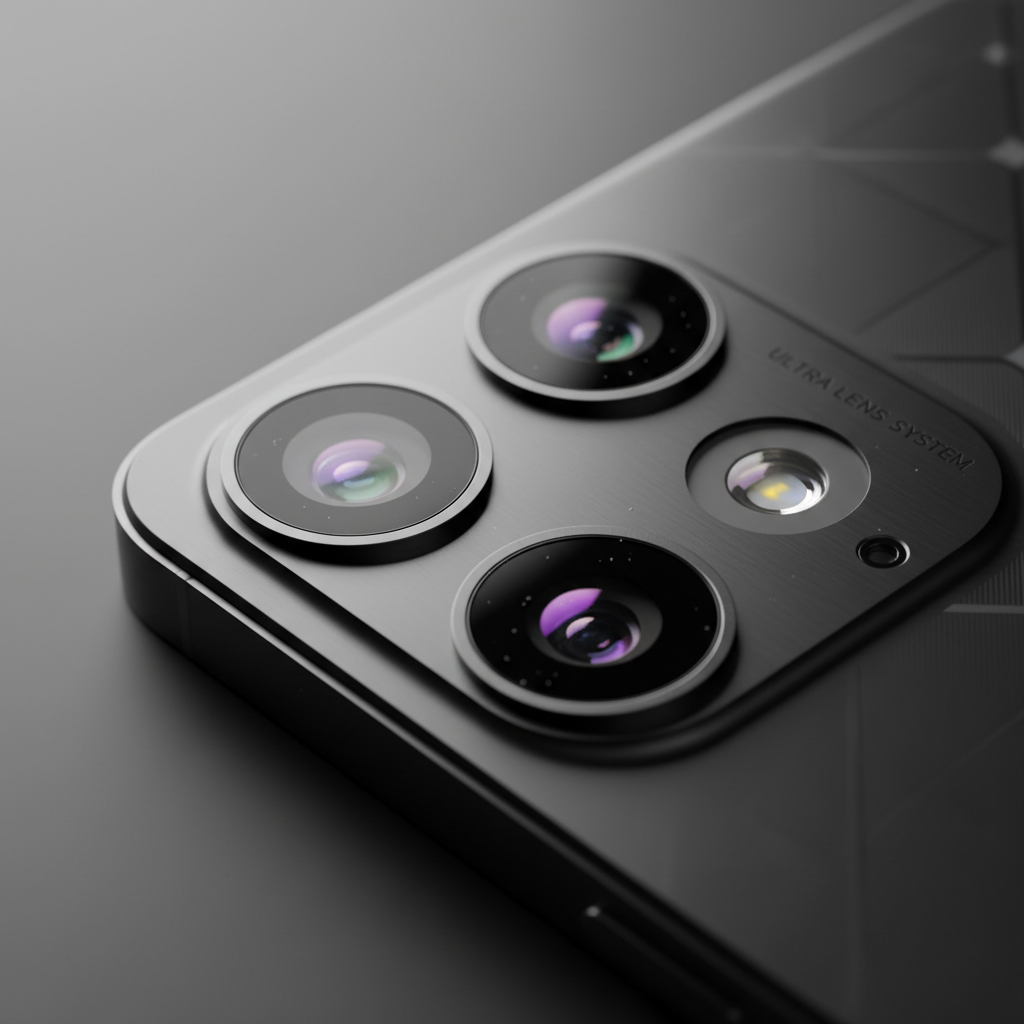
High battery capacity ensures you are ready to capture high quality images, but understanding camera specs is often the most confusing part of how to choose a smartphone. Manufacturers frequently highlight high megapixel counts, yet this is largely a marketing tactic. A 50 or 108 megapixel sensor does not guarantee better photos if the physical sensor size remains small. Larger sensors capture more light, which is the primary factor in reducing graininess during low light shots. Modern image quality relies heavily on computational photography, the software processing that balances shadows and highlights the moment you press the shutter.
Most of the latest smartphones and tablets now feature a multi-lens array:
Wide: The primary lens used for most standard daily shots.
Ultra-Wide: Ideal for capturing expansive vistas or large group photos.
Telephoto: Provides true optical zoom for distant subjects without losing detail.
If you plan on photographing wildlife or distant peaks near Fishlake National Forest, prioritize optical zoom over digital zoom. Digital zoom merely crops and enlarges the image, resulting in significant pixelation. Optical zoom uses physical glass movement to bring the subject closer, maintaining the clarity needed for scenic Millard County landscapes. Our team provides knowledgeable support in Fillmore to help you test these cameras in person before committing to new flexible cellphone plans.
Step 6: The Local Connection: Signal and Carrier Flexibility

Even the most advanced camera or fastest processor becomes a liability if your device cannot maintain a stable connection. When considering how to choose a smartphone, you must account for the local geography of Millard County. Signal strength often fluctuates between the Fillmore town center and the surrounding agricultural or mountain zones. A phone that works perfectly in a metropolitan area might struggle to hold a call on a rural road if it lacks the specific frequency support or antenna quality required for our local towers.
We specialize in helping residents compare coverage from all major wireless carriers in one location. This ensures the latest smartphones and tablets you invest in are compatible with the network that performs best at your home or workplace. Opting for a carrier-agnostic or unlocked device provides a significant advantage; it prevents you from being locked into a multi-year contract with a provider that might not offer the best reception in your specific area. By maintaining this flexibility, you can adapt your flexible cellphone plans as network footprints evolve. Our knowledgeable support in Fillmore focuses on these practicalities, ensuring your hardware and your service work in harmony rather than leaving you with a high-tech brick in a dead zone.