You can learn how to protect your phone from hackers by implementing strong passcodes, enabling two-factor authentication, and keeping your software updated to the latest version. It is also vital to only download apps from official stores and use a VPN on public Wi-Fi to safeguard your data. Following these phone security tips ensures your personal information remains private and secure.
Your smartphone is no longer just a communication tool; it is a portable vault containing your financial records, private conversations, and professional identity. A single security breach can dismantle your digital life in seconds, leaving you vulnerable to identity theft and significant financial loss. As cyber threats evolve in 2026, relying on basic passwords is a dangerous gamble that sophisticated hackers easily bypass. This guide provides a comprehensive framework to harden your mobile defenses and reclaim control over your data. You will learn to optimize biometric security, implement advanced app hygiene, and use specific diagnostic codes to detect unauthorized access. From identifying the subtle signs of a compromise to deploying robust two-factor authentication, these expert strategies ensure your personal information remains private and secure against increasingly complex global threats.
Why Smartphone Security is More Critical Than Ever in 2026
As we move through 2026, the methods used by cybercriminals have reached a new level of sophistication. Your smartphone is no longer just a communication tool; it is a digital vault containing your banking credentials, real-time location history, and private identity documents. Because of this high-value data, mobile devices have become the primary target for theft and unauthorized access. Residents here in Fillmore appreciate our safe, close-knit community, but digital threats do not respect geographical borders. A hacker across the globe can target a device in Millard County just as easily as one in a major metropolitan area.
Understanding how to protect your phone from hackers is now a fundamental part of managing your daily life. Proactive security, starting with selecting the latest smartphones and tablets equipped with modern hardware encryption, is significantly more effective than attempting to recover a compromised identity. Taking the time to secure your device today prevents the costly, stressful process of reactive recovery tomorrow.
Strengthen Your First Line of Defense: Lock Screen and Biometrics

The first step in learning how to protect your phone from hackers starts with the lock screen. A simple four-digit PIN offers only 10,000 possible combinations, which a sophisticated program can crack in minutes. Transitioning to at least a six-digit PIN increases those combinations to one million; an alphanumeric passcode, including letters and symbols, provides the highest level of manual security available.
Modern hardware makes this security convenient through biometrics. Technologies like FaceID and ultrasonic fingerprint sensors, standard on the latest smartphones and tablets, use unique physical identifiers that are nearly impossible to replicate. These features ensure that even if a device is physically stolen, your data remains encrypted and inaccessible. Biometric data is stored in a secure enclave on the device chip, meaning it never leaves the hardware or uploads to a cloud server.
To maximize these tools, configure your screen timeout to a short duration, such as 30 seconds or one minute. This setting ensures the lock engages immediately if you leave your device on a counter or in a public space. Every smartphone we offer at Instante Voice includes these security features at no additional cost. Utilizing them is a zero-cost, high-impact habit that forms the foundation of your digital safety.
How to Block Hackers from Your Android Phone or iPhone with Software Updates
While biometrics secure the physical device, software updates secure the digital pathways. Many users view the update notification as an annoyance and repeatedly select "remind me tomorrow." This delay creates a window of opportunity for cybercriminals. Software updates are not just about new emojis or interface tweaks; they often contain critical security patches for vulnerabilities that hackers are actively exploiting. When a manufacturer releases an update, they are frequently closing a backdoor that has already been discovered by malicious actors.
Keeping your operating system current is the most effective free method for how to protect your phone from hackers. The process is straightforward on any modern device:
For iOS (iPhone): Navigate to Settings, select General, and tap Software Update. Ensure Automatic Updates is toggled on.
For Android: Open Settings, scroll to System or Software Update, and select Check for update. The path may vary slightly by manufacturer, but searching "update" in the settings search bar will find it instantly.
Consistency is key. Ensure that both your operating system and your individual apps are set to update automatically. Older devices eventually stop receiving these vital patches, which is why upgrading to the latest smartphones and tablets ensures you remain eligible for the newest security protocols. By prioritizing these installations, you eliminate the low-hanging fruit that most automated hacking tools look for.
The Dangers of Public Wi-Fi and How to Use a VPN
Even if your device is running the latest software, the network you choose to join can still compromise your security. Public Wi-Fi networks in airports, hotels, and local coffee shops are often unsecured, making them prime hunting grounds for Man-in-the-Middle attacks. In these scenarios, a hacker intercepts the communication between your smartphone and the wireless router. This allows them to eavesdrop on your activity, potentially capturing login credentials, credit card numbers, or private messages as they travel through the air.
To maintain a high standard for how to protect your phone from hackers, you should treat all open networks as compromised. Avoid accessing sensitive applications, such as mobile banking, payroll systems, or investment accounts, while connected to public hotspots. If you must use a public connection for work or travel, a Virtual Private Network (VPN) is essential. A VPN creates an encrypted tunnel for your data; it ensures that even if someone intercepts your traffic, they see only indecipherable code rather than your personal information.
For our customers here in Fillmore, the most reliable security strategy when you are away from home is to skip public Wi-Fi altogether. Modern flexible cellphone plans offer robust 5G and LTE data allotments that are significantly more secure than an open access point at a truck stop or fast-food restaurant. Cellular networks use advanced encryption by default, making it much harder for local attackers to intercept your data. Utilizing your carrier's network instead of a free Wi-Fi sign is one of the simplest ways to keep your information private while on the go.
Smart App Hygiene: Permissions and Trusted Sources
Beyond securing your connection, the software you choose to install plays a vital role in how to protect your phone from hackers. You should exclusively download applications from the Google Play Store or the Apple App Store. These platforms employ rigorous security scanning to detect malware before an app ever reaches your screen. Avoid the temptation of sideloading, which is the practice of downloading app files from third party websites or unofficial marketplaces. Sideloading bypasses the manufacturer’s safety checks, often introducing spyware or Trojan horse programs that look like games but steal data in the background.
Once an app is installed, you must manage its permissions. Modern operating systems on the latest smartphones and tablets allow you to control exactly what data an app can access. Ask yourself if the permission makes sense for the app's function. A simple calculator has no legitimate reason to access your microphone, camera, or contact list. If an app requests unnecessary access, deny it.
Make it a habit to perform a monthly audit. Navigate to your device settings under Privacy or Apps to review which programs have access to your location, photos, and files. Delete any apps you no longer use. Removing old software reduces the number of entry points a hacker could exploit, ensuring your device remains a lean, secure tool for your flexible cellphone plans.
What to Dial to See if Your Phone is Hacked
If you suspect your device has been compromised, you can use built-in diagnostic tools known as MMI (Man-Machine Interface) or USSD codes. These short sequences provide a direct line to your carrier's backend systems to reveal hidden settings. Learning these codes is a practical skill for anyone curious about how to protect your phone from hackers at a deeper level.
The two most significant codes for security audits are:
*\#21#**: Dialing this sequence shows the current status of call, text, and data forwarding. If you see an unrecognized phone number listed as "Forwarded," your private communications may be going to a third party.
*\#62#**: This code identifies where your calls are redirected when your phone is unreachable or switched off. While this often displays your carrier's legitimate voicemail number, any other number could indicate that someone has meddled with your settings to intercept missed calls.
It is vital to note that these codes do not confirm the presence of malware or a remote virus. Instead, they show if your carrier-level settings have been altered. If you find suspicious diversions, review your flexible cellphone plans account immediately. Ensuring these settings remain private is essential when managing the latest smartphones and tablets to prevent unauthorized access to your personal information.
Ten Signs Your Phone Might Already Be Hacked
Understanding how to protect your phone from hackers involves more than just preventative settings; it requires an awareness of how a compromised device behaves. While carrier code audits reveal hidden redirections, malware often leaves physical and operational fingerprints as it executes malicious tasks in the background. If your hardware exhibits several of the following symptoms simultaneously, your device security has likely been breached.
Rapid battery drain: Background processes from malicious apps consume significant energy, causing your battery percentage to drop even when the screen is off.
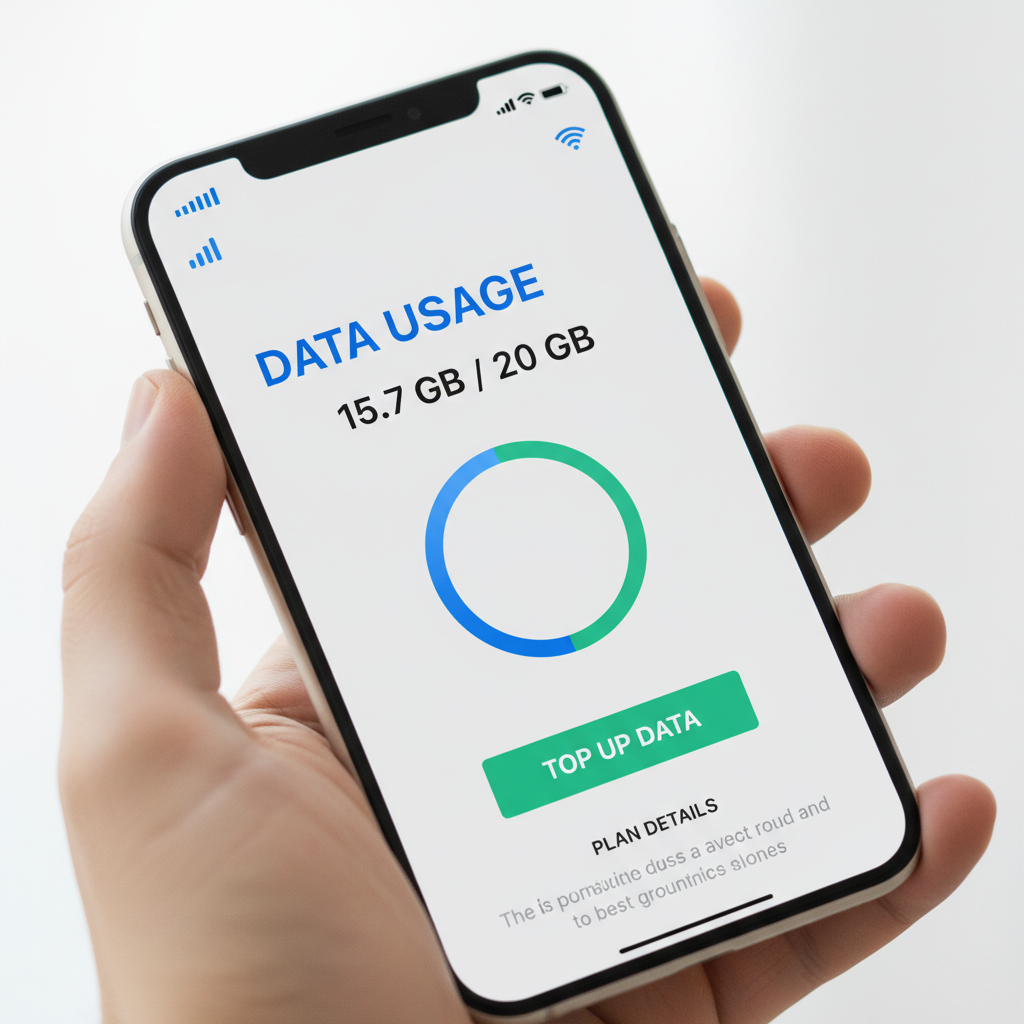
Unexplained data usage spikes: If you see your flexible cellphone plans data usage climbing without a change in your personal habits, the phone may be transmitting your private files to an external server.
Mystery pop-ups: Flashing ads or strange warnings appearing on your home screen or within system menus are typical signs of an adware infection.
Slow performance: A sudden, persistent decrease in processing speed or frequent app crashes often indicates that a hidden program is hogging system resources.
Apps opening or closing on their own: This behavior suggests remote access or automated scripts running within the operating system.
Outgoing calls or texts you did not make: Check your logs frequently for international messages or calls to unknown numbers that appear in your history.
Extreme overheating when not in use: If the device feels hot to the touch while sitting idle on a table, the processor is likely working at a high capacity on hidden tasks.
Unusual activity on linked accounts: Notifications of unauthorized logins for banking or social media often stem from credentials stolen directly from a compromised mobile device.
Background noise during calls: Clicking sounds, static, or echoing can be a sign that a third party is attempting to intercept or record the line.
Safety services being disabled: If the "Find My" service is turned off without your input, an intruder is likely trying to obscure their control and prevent you from remotely locking the device.
Monitoring these indicators is vital, especially when using the latest smartphones and tablets that should otherwise run smoothly. If you suspect your current device is no longer secure, it may be time to protect your data during a trade-in and start fresh with a clean, updated unit.
Two-Factor Authentication: The Ultimate Data Barrier
Recognizing the signs of a breach is vital, but implementing Two-Factor Authentication (2FA) is the most robust way to ensure how to protect your phone from hackers. This security layer requires two distinct forms of identification to access an account: something you know, like your password, and something you have, like your physical phone. Even if a cybercriminal successfully steals your password, they remain locked out because they lack the second, physical credential.
For the highest level of security on the latest smartphones and tablets, prioritize time-based authenticator apps like Google Authenticator or Authy over SMS-based codes. SMS verification is vulnerable to SIM-swapping, a tactic where a malicious actor tricks a carrier into transferring your phone number to their own device. By using a dedicated app, the secure code is generated locally on your hardware and never travels across the network. This physical link between your account and your specific device ensures that your flexible cellphone plans and the personal data they carry remain under your exclusive control.
Protecting the Family: Phone Safety Tips for Kids

Extending these security layers to younger users is a vital part of knowing how to protect your phone from hackers at a household level. Children often lack the skepticism required to spot sophisticated digital traps; such as malicious ads promising "free game currency" or "exclusive skins" for popular titles. These links are frequently used by malicious actors to deploy spyware or initiate unauthorized background purchases that can compromise the entire family's digital security.
To mitigate these risks, parents should utilize built-in management tools like Apple’s Screen Time or Google’s Family Link. These platforms allow you to require parental approval for every new app download; ensuring that only vetted software from official stores reaches the latest smartphones and tablets in your home. You can also restrict access to system settings to prevent kids from accidentally disabling security features or location tracking. At Instante Voice, we assist local families in Fillmore with configuring these protections when selecting new devices or flexible cellphone plans for their students. Setting up these safeguards from the start creates a controlled environment where kids can learn digital responsibility safely.
What to Do if Your Phone is Compromised
If you confirm a breach, act immediately to sever the connection between your device and the attacker. The first step in managing how to protect your phone from hackers during an active threat is to disconnect from all networks by enabling Airplane Mode and turning off Wi-Fi. This prevents further data exfiltration or remote commands. Once isolated, audit your installed software and delete any suspicious or recently downloaded apps that do not belong.
Changing your digital credentials is the next priority, but you must use a separate, known-secure device to update passwords for your banking, email, and primary cloud accounts. If the phone remains unstable, a factory reset is the final resort to wipe the operating system clean. This process underscores why maintaining current backups is essential. For residents in Fillmore looking to start fresh, we provide guidance on how to protect your data during a trade-in to ensure no remnants of a compromise follow you to your next upgrade. Moving to the latest smartphones and tablets ensures your hardware starts with the most robust factory security available, supported by flexible cellphone plans that prioritize network integrity.