How to choose a tablet involves evaluating screen size and operating systems to match your specific needs for portability or productivity. Smaller 7 to 8 inch screens are best for commuting and reading; however, larger displays over 10 inches are superior for creative tasks and watching videos. You should also consider storage capacity and connectivity features to ensure the device supports your everyday digital activities.
Staring at a wall of sleek screens and complex spec sheets often leads to more confusion than clarity. You might wonder if a tablet is even necessary when your smartphone handles basic tasks; however, the wrong device quickly becomes an expensive paperweight rather than a productivity tool. Finding the perfect balance between power and portability requires looking past the marketing jargon to identify what fits your daily routine. This guide cuts through the noise to help you navigate the divide between iPad, Android, and Amazon ecosystems. You will learn how to evaluate screen sizes for your specific lifestyle, determine if cellular connectivity is worth the added cost, and understand which performance specs actually impact your experience. We also explain why local support remains the most critical factor for ensuring your new technology serves you reliably for years to come.
Why You Might Need a Tablet Even if You Have a Great Smartphone
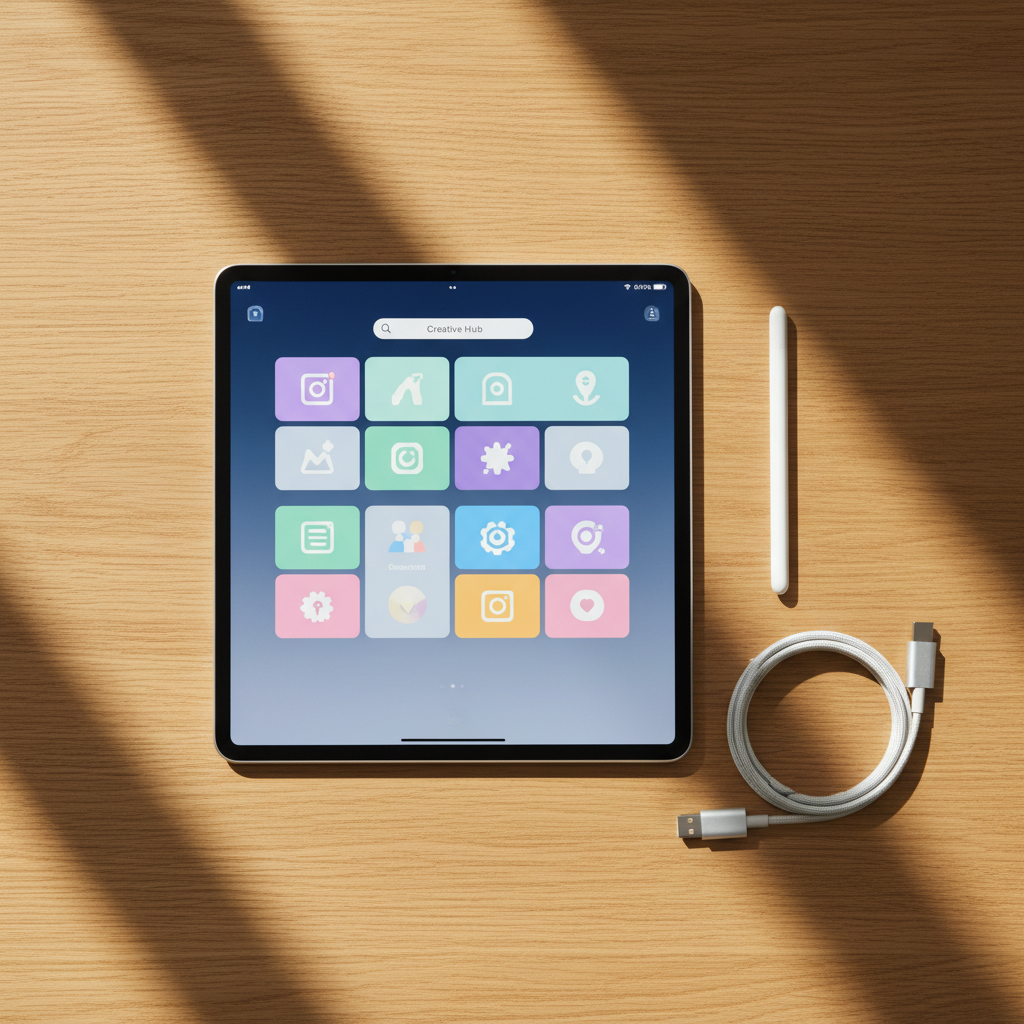
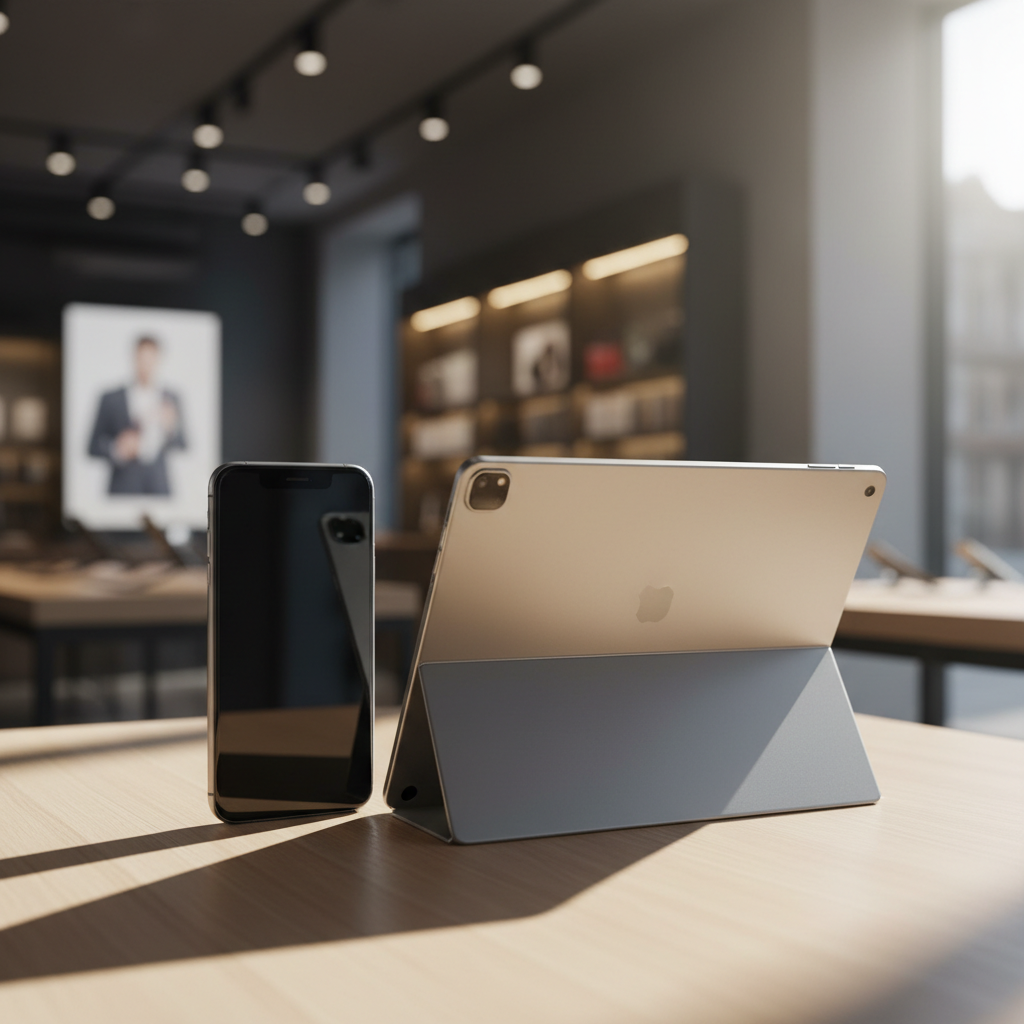
Many customers at our Fillmore shop ask if they really need a tablet when they already own one of the latest smartphones and tablets. The answer depends entirely on how you spend your digital time. A smartphone is an essential tool for instant communication, navigation, and capturing quick photos, but its portability comes at the cost of screen space. A tablet provides a larger canvas that bridges the gap between a phone and a laptop, making it a superior choice for focused content consumption and creative work.
For many people in our community, a tablet serves as the primary device for reading news, streaming video, or managing household tasks while the phone handles the calls. It is much easier to manage a family calendar or follow a complex recipe on a ten inch display than on a handheld mobile device. This distinction between communication and creation is a helpful starting point when learning how to choose a tablet that fits your lifestyle.
We also frequently address the question of whether a tablet is better than a phone for your eyes. For long form reading, the increased screen real estate and flexible font scaling are significant advantages. Larger screens allow you to increase text size without losing the context of the paragraph, which reduces eye strain during extended sessions with e-books or digital magazines. By shifting heavy reading and media tasks to a tablet, you preserve your phone’s battery for when you are on the move and give your eyes a much needed break from condensed mobile layouts. If you need help comparing specific models, you can always contact our Fillmore team for expert advice.
iPad vs Android vs Amazon: Deciding on an Operating System
Once you understand the practical reasons for owning a larger device, the next step in how to choose a tablet is selecting an operating system. This choice usually dictates the apps you can use and how well the device integrates with your current smartphone. At our Fillmore shop, we categorize these into three main ecosystems to help you narrow down the field.
Apple's iPadOS remains a top choice for reliability and ease of use. It is the natural extension for anyone using an iPhone, offering seamless syncing of photos, messages, and files. For users who prioritize a vast library of optimized apps and long term software support, the iPad is often the standard. The hardware is consistent, and the interface is intuitive enough for all ages.
Android tablets, led by brands like Samsung and Lenovo, offer more variety in hardware and customization. When browsing these, a frequent point of confusion is which Samsung tablet is better, the A or the S series. The Galaxy Tab S series represents the flagship tier; it is built with high performance processors and vibrant displays for professionals or gamers. Conversely, the Galaxy Tab A series is the budget friendly everyday option, perfect for casual browsing, social media, or basic schoolwork. If you already use an Android phone, staying within this ecosystem simplifies the learning curve.
Operating System | Best For | Key Characteristic |
|---|---|---|
iPadOS | Reliability & Ecosystem | Seamless integration with Apple devices |
Android | Flexibility & Choice | Wide range of price points and hardware |
FireOS | Budget & Media | Optimized for Amazon Prime and Kindle |
For those focused strictly on media consumption, Amazon Fire tablets are a specialized, budget conscious alternative. They are designed primarily for Kindle reading and Prime Video streaming. While they lack the full Google Play store, their low price point makes them excellent secondary devices for the home. We often suggest these for families who need a durable, inexpensive screen for younger children. No matter which platform you prefer, we can help you pair it with flexible cellphone plans to ensure you stay connected throughout Millard County.
Finding the Right Screen Size for Your Lifestyle
Selecting an operating system narrows your software options, but the physical dimensions of the device determine how often you will actually pick it up. A major part of how to choose a tablet is finding a size that feels balanced in your hands. We generally group tablets into three size tiers based on their intended use and physical weight.
Small tablets, typically 7 to 8 inches, prioritize portability. These are lightweight enough to hold with one hand for extended periods; they are excellent for reading e-books on a long flight or keeping in a small bag while running errands. If you find a smartphone screen too cramped for long-form text but a laptop too heavy to carry, this is your ideal middle ground.
Medium tablets between 10 and 11 inches serve as the versatile standard for most Fillmore households. They offer enough screen real estate for streaming movies without feeling cumbersome in your lap. This size strikes a balance where the device is light enough for casual browsing yet large enough to view full websites comfortably.
Large tablets, measuring 12 inches or more, are designed for productivity. These models can effectively replace a laptop for tasks like managing detailed spreadsheets or creating digital art. While they offer the most power among the latest smartphones and tablets, they are significantly heavier and usually require a desk or a keyboard stand for comfortable use.
Size Category | Best Usage | Key Ergonomics |
|---|---|---|
Small (7 to 8 inches) | E-books and travel | Lightweight; one-handed use |
Medium (10 to 11 inches) | Home and family use | Versatile; balanced weight |
Large (12 inches plus) | Work and creativity | Heavier; requires a stand |
Connectivity: Should You Get Wi-Fi Only or a Cellular Plan
Deciding between Wi-Fi only and cellular-enabled models is a pivotal step in learning how to choose a tablet. Wi-Fi only models typically cost less at the checkout counter; however, they tether you to your home router or the nearest coffee shop. For many residents here in Fillmore, a cellular connection provides the freedom to stay productive or entertained while traveling along I-15 toward Salt Lake City or St. George. Relying on public Wi-Fi in larger cities is often frustrating due to slow speeds, and it can pose significant security risks for personal data.
A cellular-enabled tablet functions much like your smartphone, using a SIM card or eSIM to access mobile data. At Instante Voice, we specialize in helping customers find flexible cellphone plans that allow them to add a line for a tablet. This configuration often costs significantly less than a standalone smartphone plan and allows the device to share your existing data pool.
Connectivity Type | Pros | Cons |
|---|---|---|
Wi-Fi Only | Lower upfront cost; no monthly bill | Dependent on hotspots; limited travel use |
Cellular + Wi-Fi | Internet everywhere; GPS functionality | Higher initial price; monthly data cost |
For families, the cost-benefit analysis often favors cellular when considering safety and convenience. Having a dedicated connection means children can stream educational content during long drives through rural Utah without draining a parent's phone battery via a mobile hotspot. If you are unsure which option fits your budget, you can contact our Fillmore team to compare monthly costs across all major carriers. We can help you look at the latest smartphones and tablets to see which cellular models offer the best value for your specific daily routine.
Performance Specs That Actually Matter for Everyday Use
Choosing the right internal components ensures your device remains useful for years rather than becoming obsolete in months. When looking at the latest smartphones and tablets, the spec sheets can be intimidating, but most users only need to focus on three core areas to guarantee a smooth experience.
First, prioritize a battery rated for at least 10 hours of active use. This ensures the device lasts through a full day of errands or a long road trip without needing a charger. Second, treat 64GB of storage as your absolute minimum. Between system updates, high-resolution photos, and downloaded apps, a 32GB model will likely run out of space within the first year. Finally, ensure the processor is capable of seamless multitasking; you should be able to switch from a video call to a web browser without the interface lagging or freezing.
People often ask, what is the best tablet for general use? For the majority of our customers, a mid-range device with 4GB of RAM and a current-generation processor offers the best tablet for the money. You do not need the top-tier processing power of a high-end professional model unless you are editing 4K video or managing complex databases. By prioritizing these balanced specs, you get a reliable tool that works efficiently with your flexible cellphone plans without overpaying for raw power you will not use. If you need a hands-on comparison of how these specs feel in practice, you can contact our Fillmore team to see these devices in action.
Choosing the Best Tablet for Your Specific Needs

Identifying your primary use case is the final step in learning how to choose a tablet. While technical specifications provide a baseline of performance, the right device for a student will differ significantly from one meant for a toddler or a retiree.
### Students and Creators Academic work and creative projects require precision. When looking for the best tablet for students with Pen support, look for devices that offer palm rejection and pressure sensitivity. Tablets like the iPad Air with Apple Pencil or the Samsung Galaxy Tab S series with the S-Pen allow for seamless note-taking and digital sketching. These tools turn the device into a digital notebook that is far more capable for complex assignments than even the latest smartphones and tablets.
### Seniors and Accessibility Ease of use is often the most important factor for older adults. When customers ask which tablet is the easiest to use, the iPad is frequently the top recommendation due to its intuitive, consistent interface. You can easily adjust settings for larger icons and bolder text, making the screen much easier to read. The simplified navigation is perfect for those who want to video call family or read the news without managing a complicated operating system.
### Families and Durability For household use, durability and software safeguards are essential. Look for tablets that offer multi-user profiles and robust parental controls, allowing you to limit screen time and filter content for younger children. Many of these devices can be paired with flexible cellphone plans so that kids can access educational apps during long drives through Utah. If you need a hands-on demonstration of these specific features, you can contact our Fillmore team to find a model that fits your family's needs.
Why Local Support Matters for Your Tablet Purchase

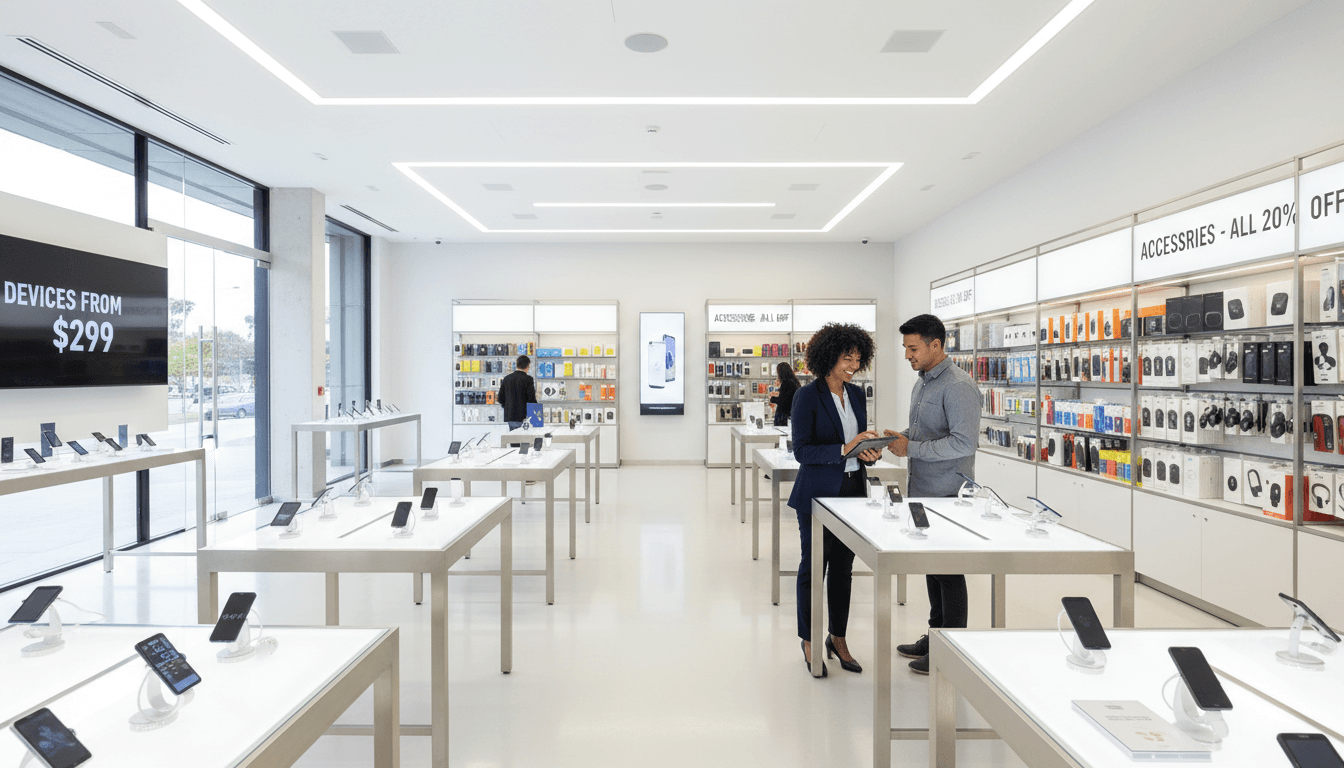
Selecting the right hardware is only half the battle; knowing how to choose a tablet involves finding a partner who supports the device throughout its lifespan. Ordering from a massive online warehouse often leaves you navigating technical glitches or carrier activation issues alone. At Instante Voice in Fillmore, we provide a no-pressure environment where you can handle the latest smartphones and tablets before committing. This hands-on experience ensures the screen size and weight feel right in your hands, not just on a spec sheet.
We offer a unique advantage by allowing you to compare coverage and flexible cellphone plans from all major wireless carriers in one location. This carrier-agnostic approach ensures you get the best deal for your specific needs rather than a one size fits all solution. Our service continues long after you leave the shop. We help with initial setup, transferring data from your old electronics, and seamlessly adding your new device to an existing family plan. If you have questions about your current setup or want to see the newest models, you can contact our Fillmore team for personalized guidance.